Vehicles Manager
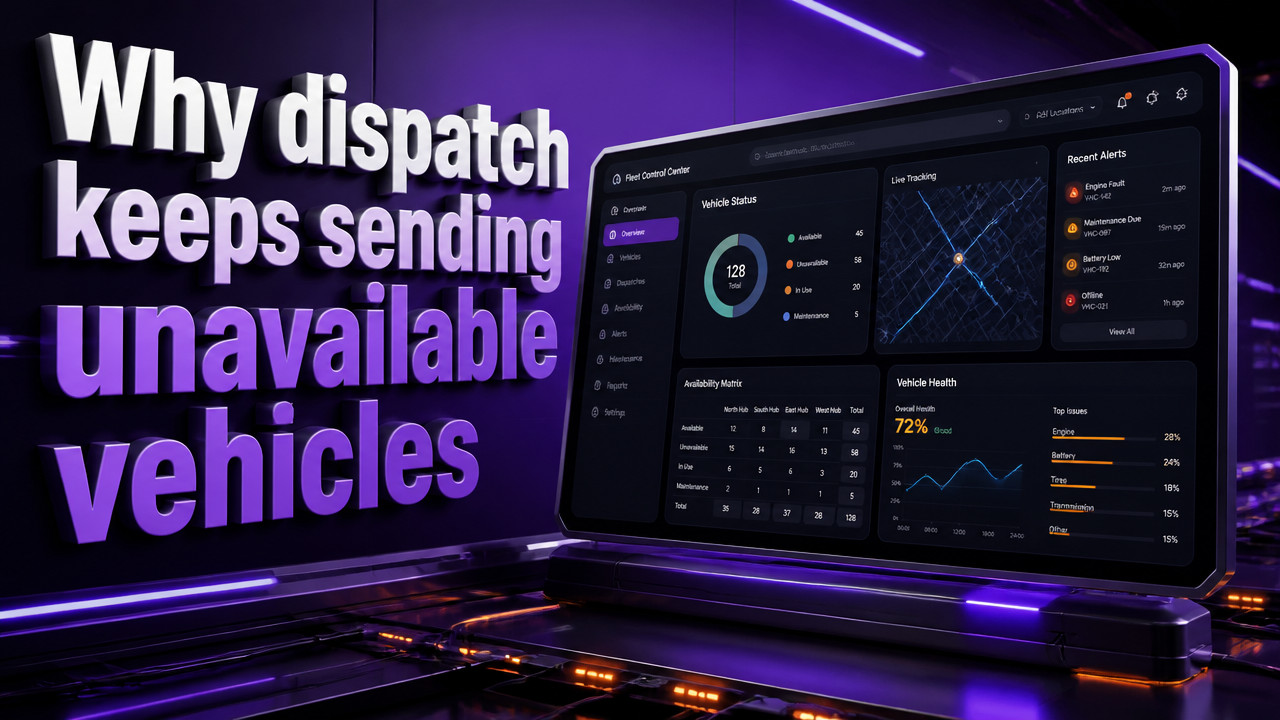
How to Stop Dispatch From Sending a Vehicle Already in the Shop
The 6 a.m. dispatch sends a van that is already sitting in the shop because the spreadsheet and the WhatsApp thread do not match. One person marked it ready, another marked it in service, and the last saved file won the race. The driver finds out when he walks to an empty bay. Small fleets of 10–60 vehicles lose entire jobs to this coordination gap not because no one checked, but because three people checked three different sources at the same moment.
Quick Answer: Use a Single Live Readiness Board, Not Spreadsheet Versions
The root cause is simple: saved files versus live status. When three people open a spreadsheet at the same time, they see three different versions of reality. The shop tech marks unit 401 "in service" on his laptop. The yard manager marks it "ready" on her phone. Dispatch sends the job based on the version still sitting on the server from last night. Everyone did their job. The van still left the yard with a transmission on the floor.
A live readiness board solves this by replacing version conflict with single-source truth. One row per vehicle. Three states: ready, shop, due. Everyone sees the same board at the same moment. When the shop changes a status, dispatch sees it instantly no refresh, no saved file override, no WhatsApp thread to scroll through.

This is not about tracking where the van is. GPS handles location. This is about tracking permission to leave. The gap that kills jobs lives between the spreadsheet column and the actual shop floor. Close that gap, and the 6 a.m. dispatch.getError stops happening.
Why Spreadsheets and Group Chats Create the Shop Dispatch Problem
The average small fleet runs the morning board from one person's spreadsheet and aWhatsApp thread. It works fine until that person is out, or two people update the same file at once, or the chat scrolls past the shop status while someone is typing. These are not edge cases. They happen every single morning in yards across the country.
Contractors describe it plainly: "Excel is killing me." "Everything is in Excel + WhatsApp." "The sheet is unmanageable." The spreadsheet was never built for real-time coordination between three different roles at 6 a.m. It is a static document trying to do a dynamic job.
contractor fleet coordination breaks down because the tool does not match the workflow. The yard manager owns the file. The shop tech updates it when he remembers. Dispatch pulls from it before coffee. Here is how the two methods compare:
| Factor | Spreadsheet Method | Live Board Method |
|---|---|---|
| Update Speed | Minutes to hours (saved file delay) | Instant (real-time sync) |
| Conflict Resolution | Last saved file wins, manual merge | Single source, no conflicts possible |
| Morning Visibility | Whoever has the file open controls truth | All roles see same status simultaneously |
| Shop Status Accuracy | Depends on chat scroll and memory | Board shows shop flag on the unit row |
The spreadsheet method creates what yard managers call "the morning fight." Two people stand in the yard arguing about whether unit 401 was cleared last night. The truth is in a file no one can find, or a chat thread 400 messages long. Meanwhile, the driver is waiting, the job is slipping, and the customer is calling.
Three-State Status System That Stops Shop Units From Going Out [Study]
The solution strips away everything that complicates fleet software. One row per vehicle. Three states only. Ready. Shop. Due. That is the entire system. No drop-down menus with twelve options. No custom fields. No driver logs or fuel tracking. Just the answer to one question: can this vehicle leave the yard right now?
- Ready: Vehicle is operational, inspected, and cleared for dispatch. No open shop tickets, no inspection overdue flags.
- Shop: Vehicle is in service, down for maintenance, or waiting on parts. Cannot be dispatched until shop marks it ready.
- Due: Vehicle is operational now but has upcoming service or inspection scheduled. Dispatch knows to plan around the deadline.
When the shop tech marks a van "Shop," the board locks that status. Dispatch cannot override it from another view. The only person who can clear it is the person who marked it or the yard manager with override authority. This prevents the exact scenario where two people mark the same van differently at 6 a.m.
According to Squarerigger, real-time vehicle status updates integrated directly into the dispatch workflow prevent vehicles marked "in shop" from appearing on available unit lists. The board does what the spreadsheet cannot: it removes the vehicle from dispatch visibility until the shop clears it. No amount of chat scrolling or file refreshing can send a van that the board has flagged.
The three-state model works because it matches how yard managers actually think. They do not need seventeen status codes. They need to know: can it go out? Is it in the shop? When is it due next? Answer those three questions accurately, and the morning board runs itself.
Fleets using this simple status structure for $2.99 per vehicle pricing model report that dispatch errors drop because the system prevents the double-mark problem at the source. When the shop marks a vehicle in service, that status is visible to everyone, instantly. Dispatch sees the shop flag. The van does not get assigned.
How to Implement a Shop-Aware Dispatch Board in 15 Minutes
Setting up a readiness board does not require a database project or a consultant. The whole thing runs from a browser window. Most small fleets complete setup during a single 15-minute call. Here is the workflow:
- Paste your vehicle list. Export from your current spreadsheet or type the unit numbers directly. The board creates one row for each vehicle automatically.
- Mark current shop status. Walk the lot with your phone. Tap each vehicle row: ready, shop, or due. Takes about one minute per vehicle.
- Add your team. Send invite links to the yard manager, shop lead, and dispatch. No app install required runs in mobile browser.
- Run the morning board. Dispatch opens the ready-only filter. Shop tech updates status as work completes. Yard manager sees the whole yard on one screen.
The board replaces the spreadsheet file and the WhatsApp thread with a single view that updates in real time. When the shop marks a unit ready at 6:47 a.m., dispatch sees it at 6:47 a.m. No file to save. No chat to check. The moving company fleet board just shows the current truth.
Most yards discover the setup is faster than explaining the current spreadsheet to a new hire. There is no training period. If you can tap a screen, you can update the board. The hardest part is breaking the habit of opening the old spreadsheet but once dispatch sees the board in action, the spreadsheet stays closed.
What GPS and Routing Software Does Not Solve for Shop Conflicts
GPS tracking tells you where a vehicle is located. It does not tell you whether that vehicle is allowed to leave the yard. A van can be parked in the lot, GPS pinging perfectly, while its transmission sits in pieces in the shop bay. The driver calls in sick. The unit has not moved. GPS sees all of this as "normal" because GPS only reports location, not operational status.
Routing software has a similar blind spot. It assumes every vehicle in the fleet is available for dispatch. The algorithm optimizes routes based on location and job site. It does not know that unit 401 is waiting on brake pads. The software builds a perfect route for a van that cannot move.
Small fleets often get locked into three-year GPS contracts that promise total visibility. They end up paying for hardware, installation, and monthly service plus the spreadsheet and WhatsApp thread they were trying to escape. The GPS tells them the van is in the yard. The spreadsheet is supposed to tell them if it can leave. The gap between those two tools is where jobs get lost.
trades fleet management needs a different approach. A [strong>fleet readiness board[/strong] handles the operational status question that GPS ignores. No hardware. No installation. No three-year commitment. Just a live answer to whether the vehicle is cleared to dispatch.
Shop-to-Dispatch Workflow: Who Marks What, When [2026 Data]
The workflow is designed around how yards actually operate. Each role has a specific action and visibility. The board shows each person only what they need to see but everyone sees the same underlying status data.
| Role | Action | Visibility |
|---|---|---|
| Shop Tech | Marks vehicle "Shop" when work begins, "Ready" when cleared | Full list, filterable by own assignments |
| Yard Manager | Overrides status, manages vehicle list, adds new units | Full dashboard with all vehicles and statuses |
| Dispatch | Views ready-only filter, assigns jobs to available units | Ready units only (shop and due hidden by default) |
The key change from the spreadsheet method: dispatch cannot see units marked "Shop." They do not appear on the available list. There is no temptation to "just send it anyway" because the van does not show up as an option. The shop tech controls that visibility with a single status mark.
According to Zipdo, integrating shop management software with dispatch systems automatically updates vehicle availability so that units currently in service are removed from the dispatch queue. The shuttle fleet dispatch board applies this principle in a simpler package no complex integration required, just a shared status that updates instantly for all viewers.
Rental Lot and Service Van Scenarios: Key Hook Versus Booking Calendar
Rental lots face a specific version of the dispatch problem. The booking calendar says unit 512 is reserved for a 9 a.m. pickup. The key hookindex> is empty because the van is in the shop on the other side of the lot. The customer stands at the counter while someone runs to check the bay. By lunch, the calendar and the physical reality have drifted so far apart that the day is a constant exercise in apology.
Service vans create a parallel problem. The dispatcher assigns a van to a job based on the master list. What the list does not show is that the van has an inspection overdue or a service appointment scheduled for 10 a.m. The driver takes the call, gets halfway to the job site, and gets recalled because the van is not cleared for road use.
Both scenarios stem from the same root cause: the planning tool and the operational status are two different systems. The booking calendar does not know about the shop. The dispatch list does not know about the inspection log. rental fleet coordination requires a single view that combines booking status with shop status.
The readiness board solves this by putting all three states on one row. A rental manager checking the board at 8:45 a.m. sees that unit 512 is marked "Shop" and knows immediately that the 9 a.m. booking needs a different vehicle. No key hook check required. No walk to the bay. The board already knows.
Key Takeaways
- Single source of truth: A live readiness board eliminates spreadsheet version conflicts and WhatsApp scroll fatigue by providing one real-time status view for all roles.
- Three-state system: Ready, Shop, Due covers the entire operational status question without complicated status codes or custom fields.
- Shop blocks dispatch: When the shop marks a vehicle in service, it disappears from the dispatch ready list preventing assignment of non-operational units.
- No GPS required: Location tracking does not solve the permission-to-leave problem. The board handles operational status without hardware or multi-year contracts.
- Setup in minutes: landscaping fleet status tracking can be implemented in a single 15-minute call with no database configuration or app installation.
Frequently Asked Questions
Will this replace our current spreadsheet entirely?
Yes. The board takes over the one function the spreadsheet cannot handle: real-time status coordination between shop, yard, and dispatch at 6 a.m. You can still export data to a spreadsheet for records.
We already have a scheduler. Why add another tool?
Different function. Schedulers book the jobs. They do not track whether the van is in the shop or cleared to leave. Those are two separate questions at 6 a.m., and the board answers the one the scheduler ignores.
How long does setup take for a 40-vehicle fleet?
About 15 minutes. Paste the vehicle list, mark current statuses, and send team invites. Most of that time is walking the lot to verify which units are ready versus in shop.
Do we need GPS hardware or a contract?
No. The board runs entirely in browser with no hardware installation and no multi-year commitment. You pay per vehicle per month and can cancel anytime.
What if the shop forgets to mark a vehicle ready?
Override exists. The yard manager has authority to change any status from any device. The board logs who made each change, so there is accountability without bottlenecks.
Is this only for large fleets?
No built for 10–60 vehicle fleets. municipal fleet readiness and small contractor fleets benefit most because they lack the dispatch desk and dedicated software team that larger fleets maintain. The tool fits the scale of the problem, not an enterprise budget.
Sat Oct 17 · Editorial Team